The world
World map
The whole Iliac Bay, put together from the game's own map pages, with every named place on it: towns, dungeons, temples, taverns and more.
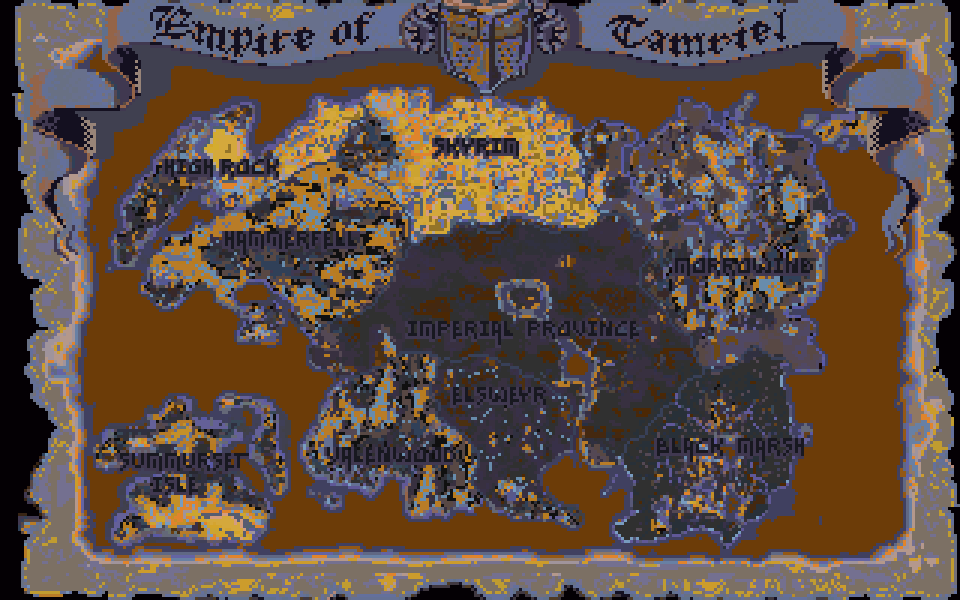
This is the map the game draws for fast travel, shown whole. The game keeps it as separate pages, one for each region; here they are laid back together at one pixel for each map pixel, using the same positions the game’s travel map uses. Every dot is a place from the game’s data, put on the pixel the game gives it.
Using it
- Drag to move, scroll or pinch to zoom, double-click to zoom in. On the keyboard, click the map first, then use the arrow keys, plus and minus.
- Click a dot for its name, kind and region. Towns link to their own page in Towns and cities, and everything else links to its region in Regions.
- Find a place by typing part of its name. Picking a result zooms to it, and switches its kind on if it was hidden.
- Map style redraws the map six ways: the game’s own travel map, Terrain (the game’s height map, shaded), Climate, Regions (each in its own colour), Townsfolk (which names the game gives people in each region) and Place density (where the places you have switched on are thickest). Region borders and names can be switched off.
- All regions zooms to one region and fades the rest.
- The kinds are switched on and off with the boxes. Towns and dungeons start on; the rest are many thousands of buildings, so they start off.
What is on it
Cities, hamlets and villages come first, then dungeons: labyrinths, keeps and ruins, with the kind of dungeon given when you pick one (a crypt, a mine, an orc stronghold and so on), then graveyards and covens. Temples, cults, taverns, homes and farms can be switched on. Where dungeons turn up, and what lives in them, is in Dungeons and the automap and Where enemies appear.
Travelling between places is covered in Travel and horses.
Category: The world